Store Listing
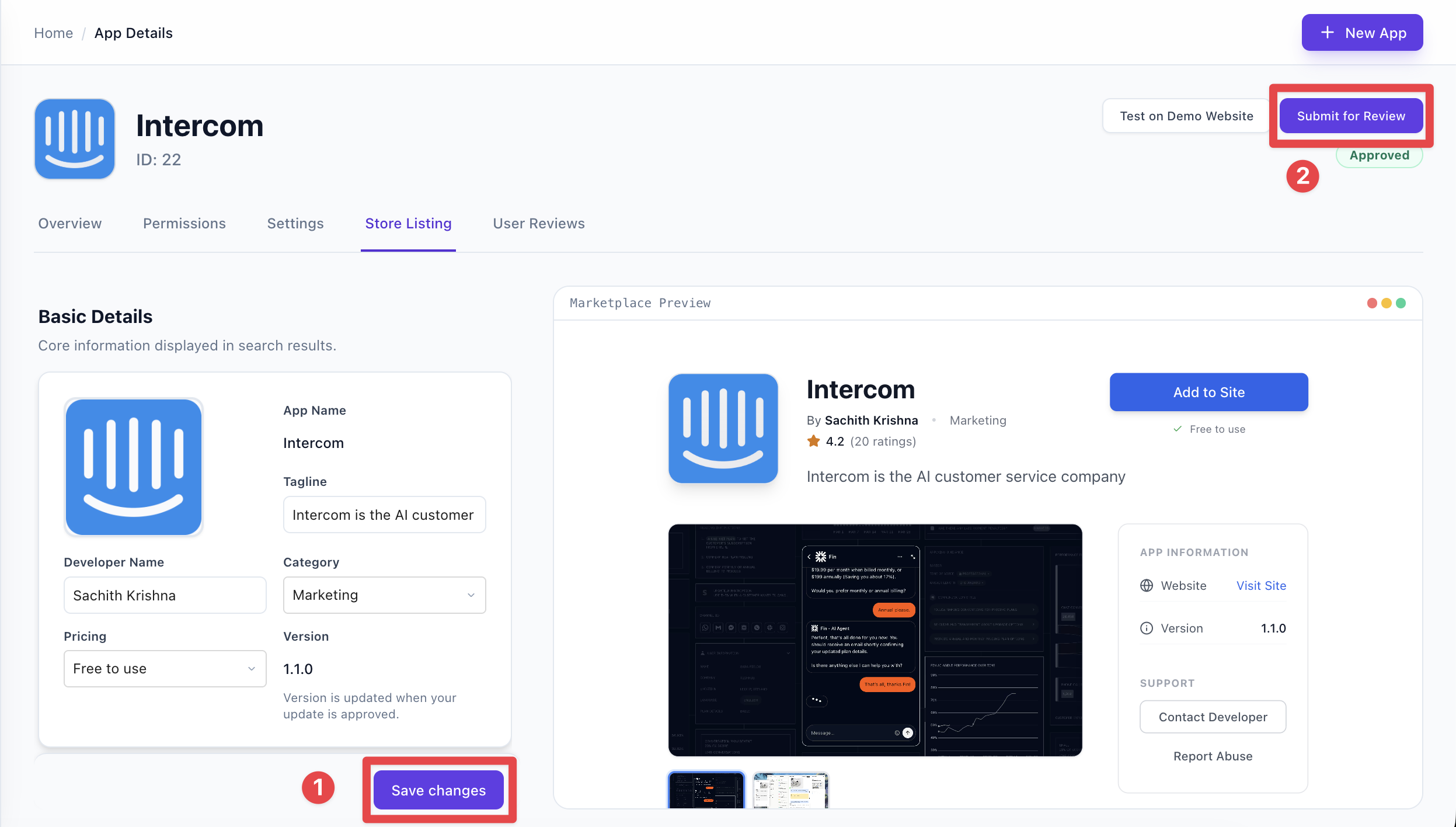
The Store Listing is what users see in the Grigora App Store. You fill it in the Developer Portal under your app’s Store Listing tab; it’s required before you can submit for approval.
Where to edit the store listing
Open your app and select the Store Listing tab. The form has four sections—Basic Details, Media, Product Details, and Resources & Links—and a live Marketplace Preview on the right.
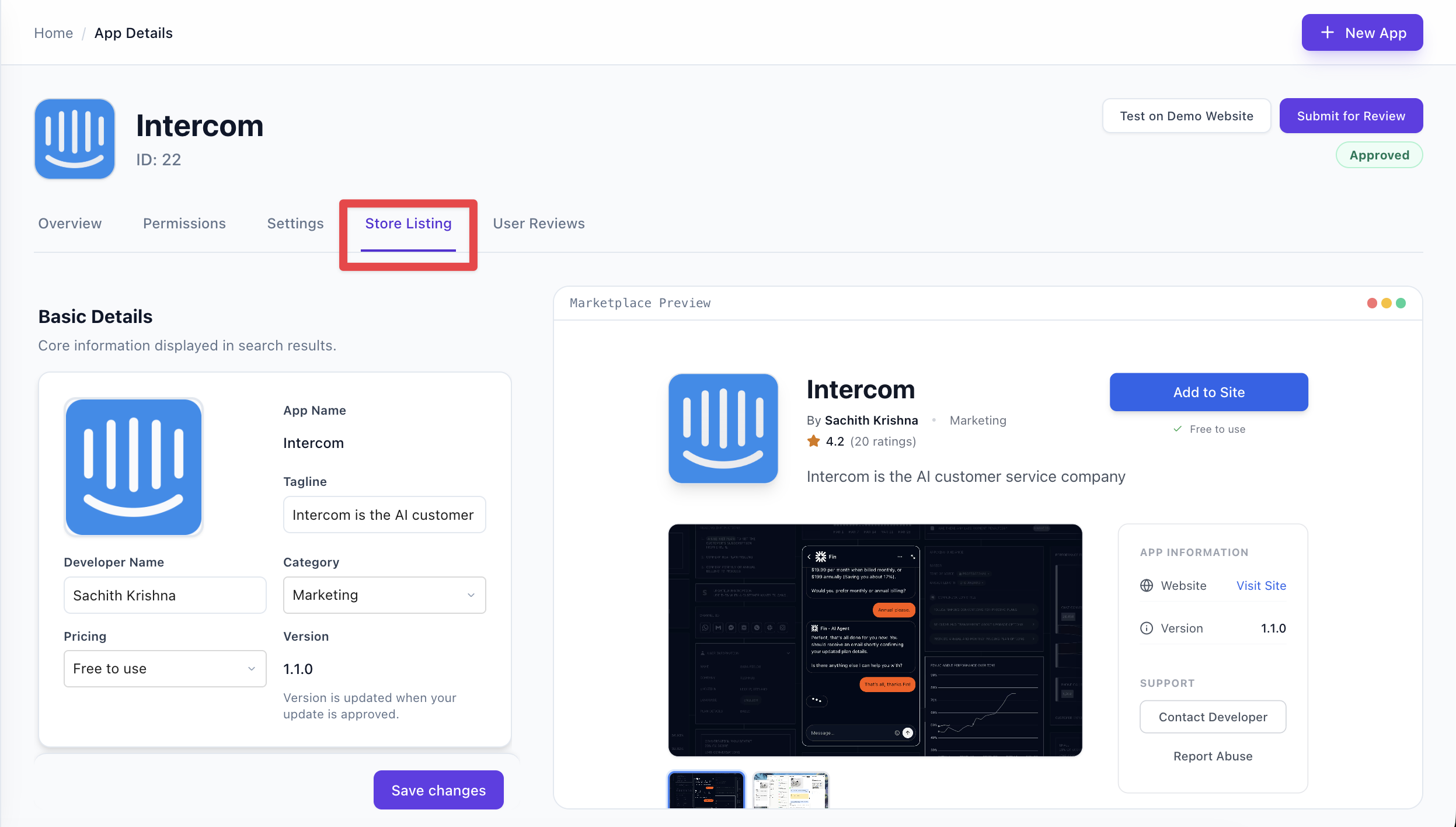
Basic details — App name (from settings), tagline, developer name, category (e.g. Marketing, Analytics), and pricing (Free, Freemium, Paid, etc.). The app icon is set in Settings.
Media — Gallery images or videos for the listing. You need at least 2 items to submit. Upload in the Media section; you can reorder or remove them.
Product details — Long description (Markdown supported) and key features. At least one feature is required.
Resources & links — Website, support email, documentation URL, support URL, privacy policy URL, and terms of service URL. All are required for submission.
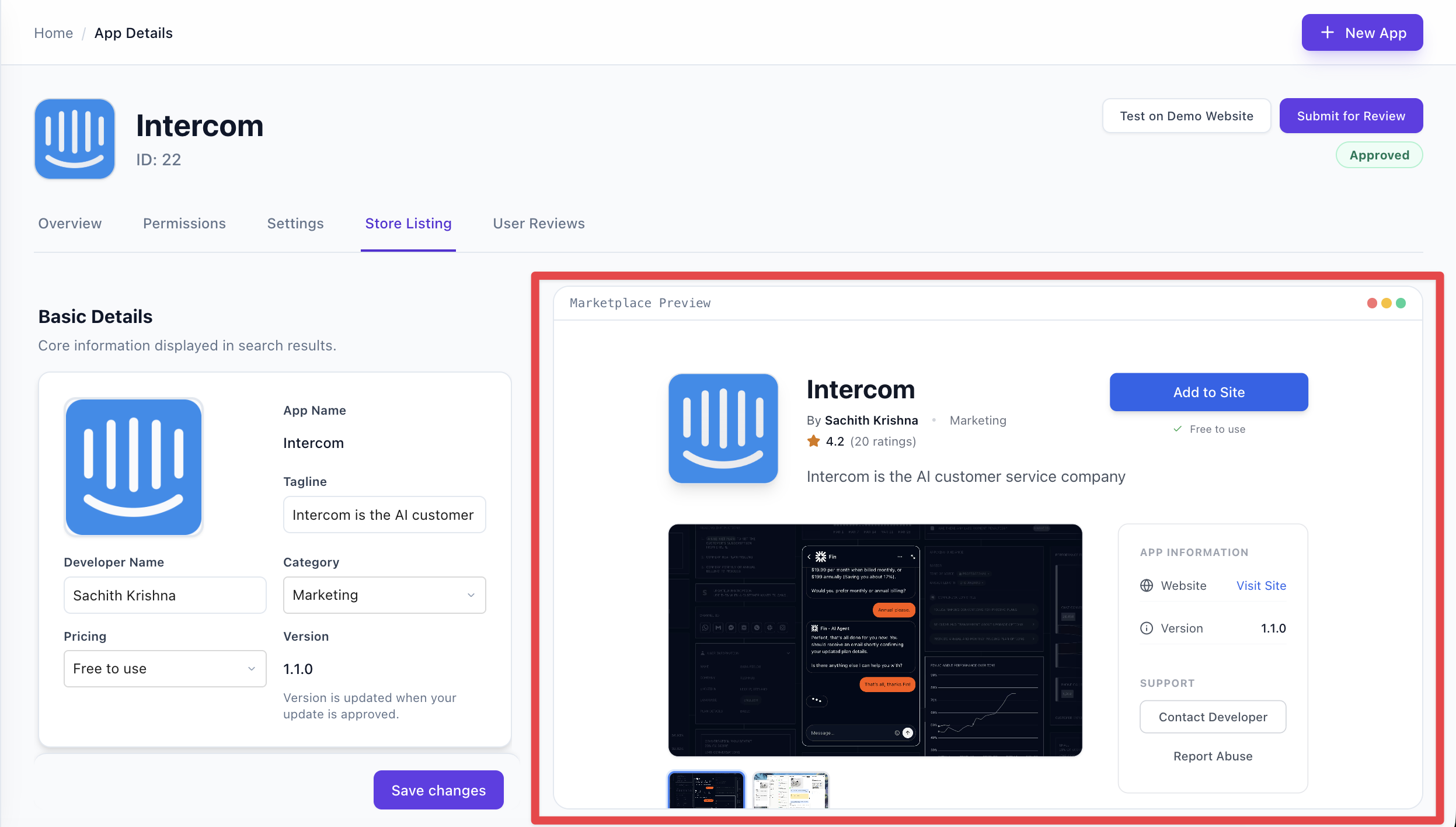
Marketplace preview
The preview panel on the right shows how your listing will look in the store. Use it to check layout and content before saving or submitting.
Save and submit for review
Click Save to store changes. When ready to publish, click Submit for review. After approval, the listing goes live. If something is missing (e.g. long description, 2+ media items, or any required URL), submission will show an error. For already-approved apps, edits are saved as a draft until you submit an update for review.