Updating Your App
After your app is approved and live on the Grigora App Store, any change you make is saved as a draft. The live version does not change until you submit an update for review and it is approved.
How updates work
- Edit — Change what you need (Store Listing, Settings, Embedded Scripts, Dashboard Page) in the Developer Portal.
- Save — Your changes are stored as a draft. The public listing and app behaviour stay as they are.
- Submit for Review — Click Submit for Review. Choose a version bump (major, minor, patch) and an optional changelog, then submit.
- Review — Grigora reviews the update. When approved, the new version goes live.
If you Unsubmit before the update is approved, the pending review is withdrawn; the app stays on the current version and you can keep editing the draft.
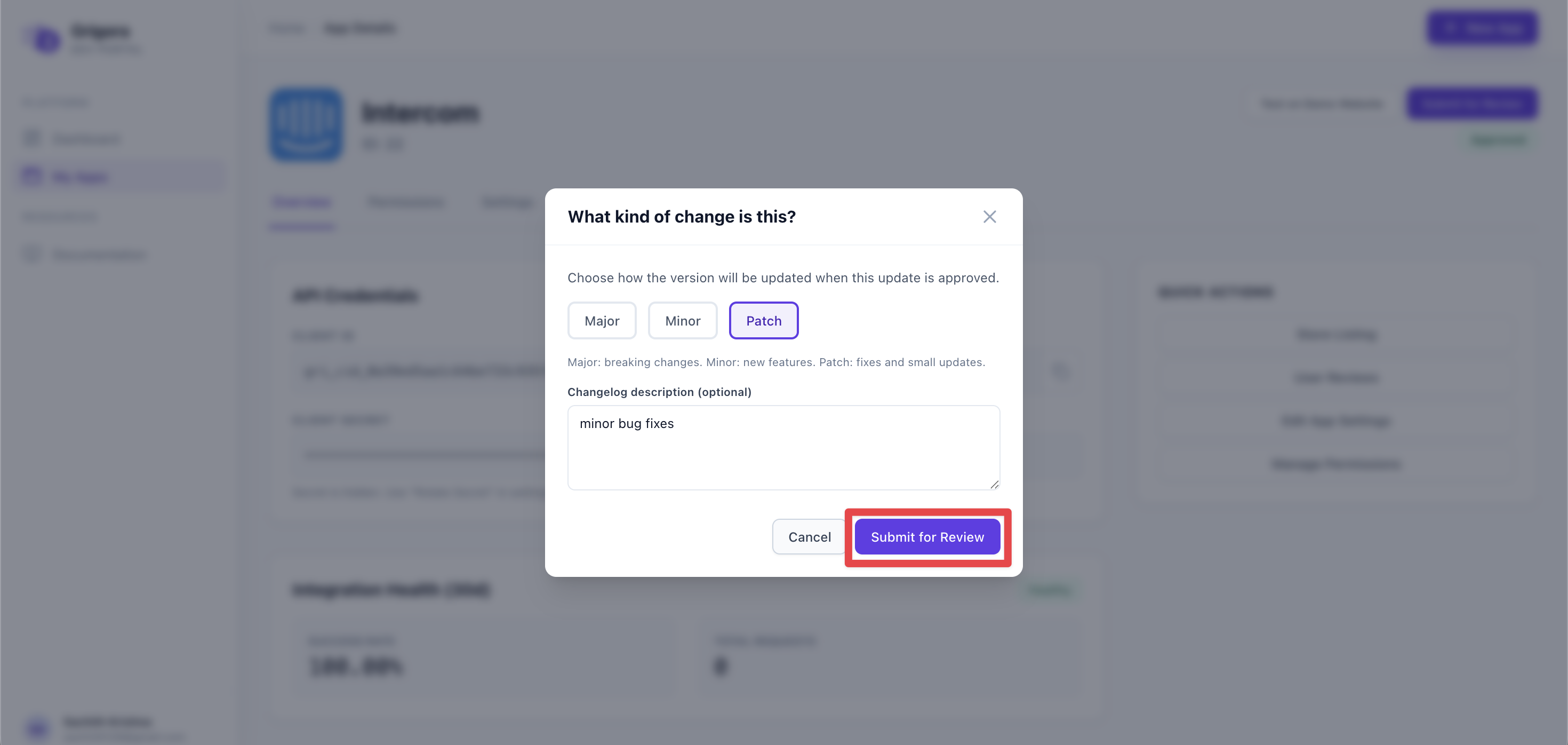
When you click Submit for Review, a modal appears asking for the change type and changelog description. Fill them in and submit.
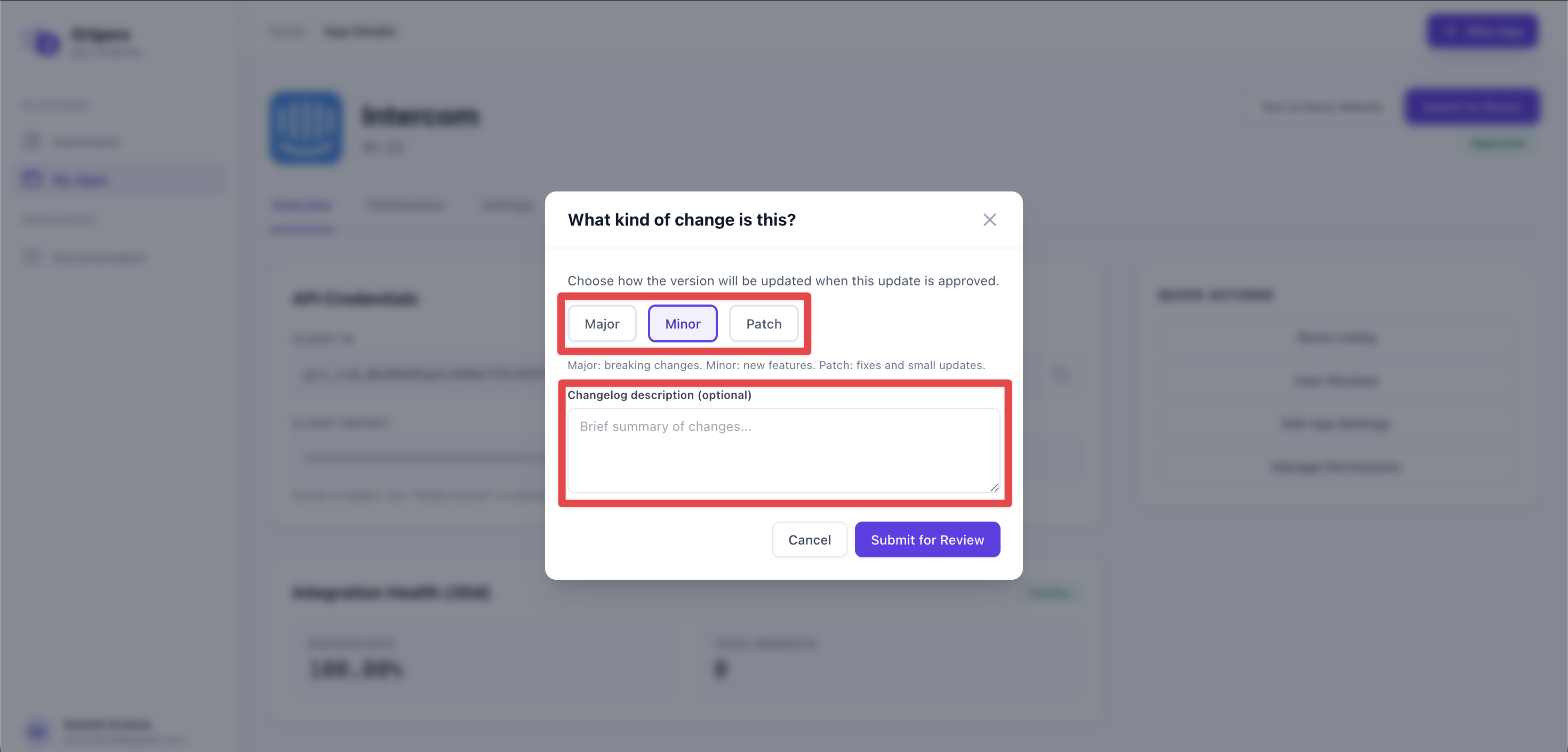
Version and changelog
- Change type — Major (e.g. 1.0.0 → 2.0.0) for breaking or big changes. Minor (e.g. 1.0.0 → 1.1.0) for new features, backward compatible. Patch (e.g. 1.0.0 → 1.0.1) for fixes and small tweaks.
- Changelog description — Short summary of what changed. Shown to reviewers and can be shown to users.
The version number is set when the update is approved; the portal shows the current live version.
What can be updated
Store listing (tagline, description, media, features, links), app settings (name, redirect URIs, scopes, icon), embedded scripts, and dashboard page. All of this is part of one pending revision. When you submit, the whole draft is reviewed; when approved, it becomes the new live version.
Best practices
- Use minor or patch for non-breaking changes; reserve major for breaking or very large changes.
- Write a clear changelog so reviewers and users know what’s new.
- Test your draft (e.g. scripts, dashboard URL) before submitting.